

Fast Bitcoin for Apple TV
The live Bitcoin price on your TV
A full-screen BTC chart for the office, the trading desk, or the living room. The price also shows in the Top Shelf when you select the app on the Home Screen.
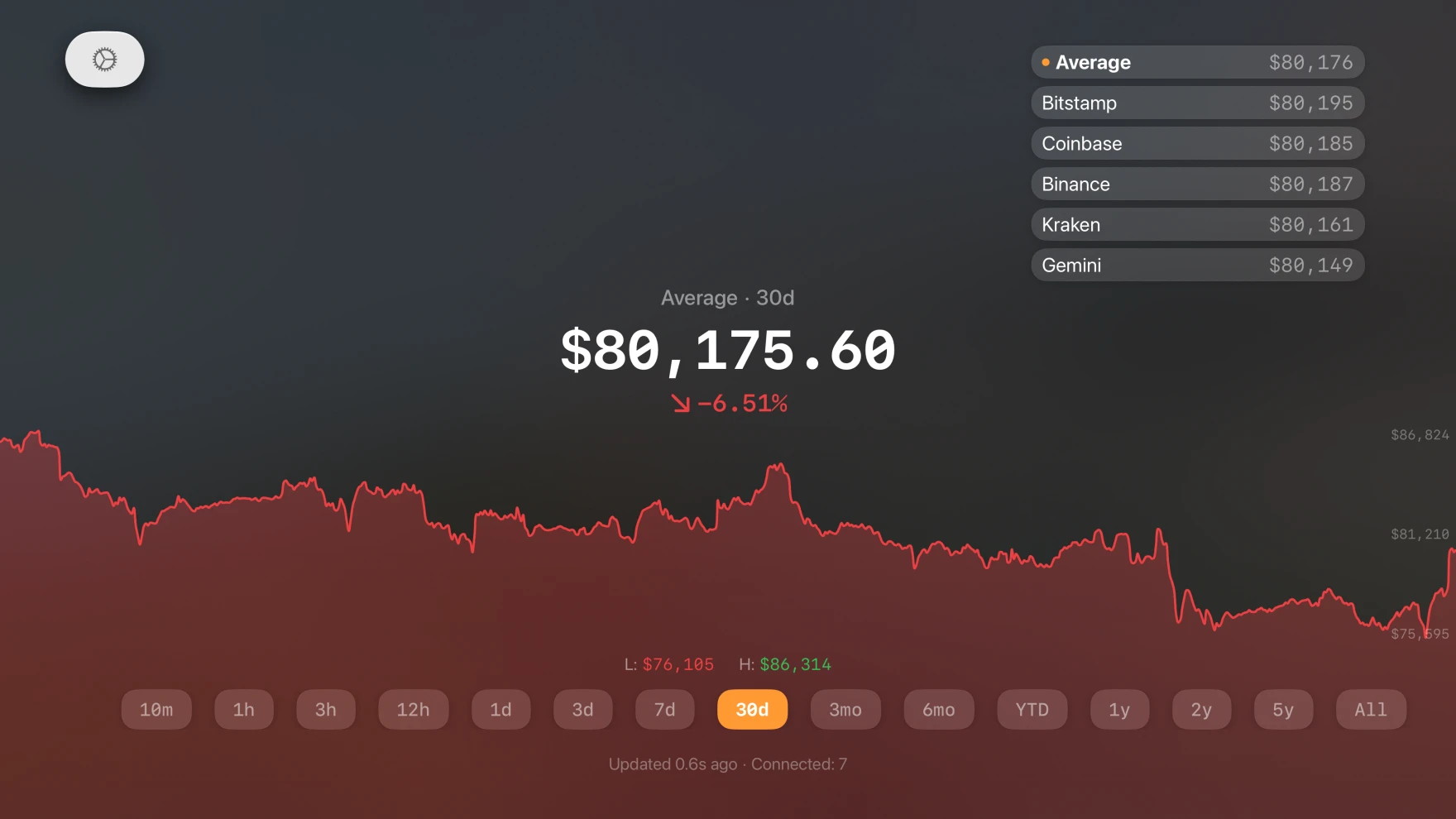
What the TV shows
The live price
Large numbers that you can read from across the room, with the change for the timeframe.
Five exchanges
Coinbase, Kraken, Bitstamp, Gemini, Binance US, and the average. Select one with the remote.
The chart
A full-width chart with the high and the low. Select a timeframe from 10 minutes to all time.
Top Shelf
Move to the app on the Apple TV Home Screen to see the current average price above it.
Always current
The price updates every few seconds over a live connection.
One subscription
Your iPhone or Mac subscription also unlocks the Apple TV app with the same Apple Account.
Bitcoin price on Apple TV questions
How do I get Fast Bitcoin on Apple TV?
Open the App Store on your Apple TV and search for Bitcoin Price. Or download it on your iPhone first. The same subscription works on both.
Which Apple TV do I need?
An Apple TV HD or Apple TV 4K with tvOS 17 or later.
Does the Apple TV app send alerts?
No. Alerts go to your iPhone, iPad, Mac, and Apple Watch. Set alerts on those devices.
More Bitcoin price tools
iPhone and iPad
The live price, the Market Signal, and 24 alert types in three tabs.
Open iPhone and iPadMac menu bar
The live price next to the clock. One click opens the chart and your alerts.
Open Mac menu barWidgets and Apple Watch
The price and the Signal on the Home Screen, the Lock Screen, and the watch face.
Open Widgets and Apple Watch