

Widgets and complications
Bitcoin price on your Home Screen, Lock Screen, and wrist
See the price and the Market Signal without opening an app. Fast Bitcoin has three widgets for iPhone and iPad and two complications for Apple Watch.
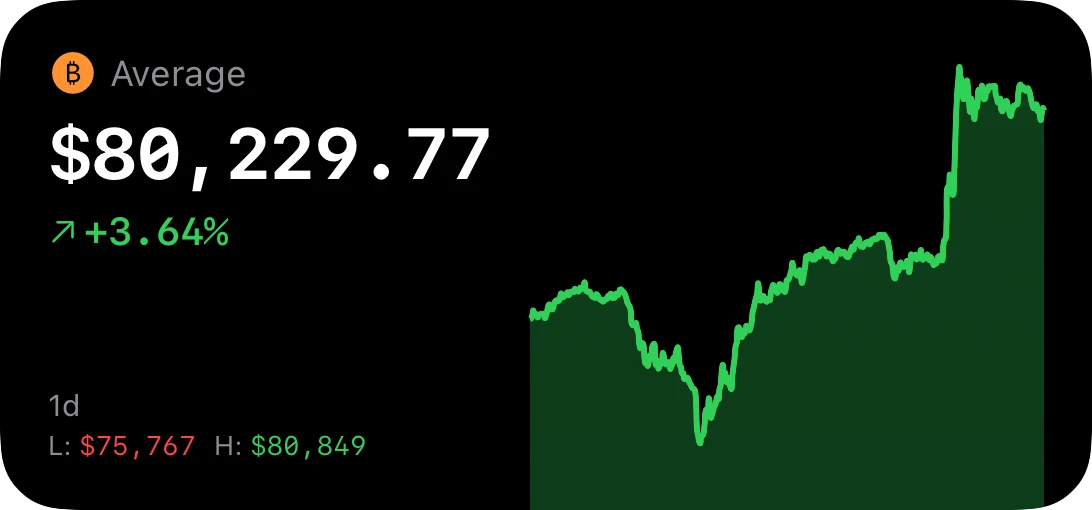 Fast Bitcoin
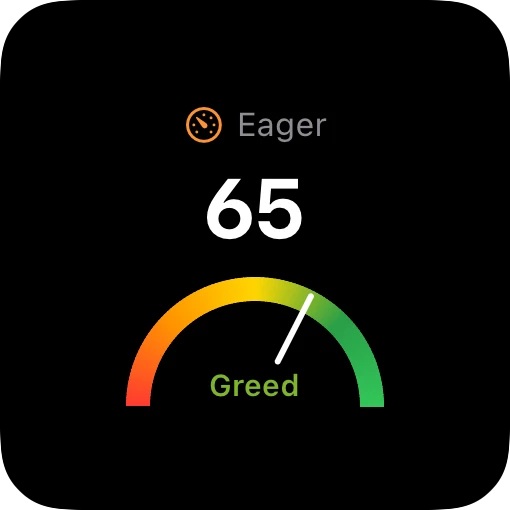 Signal
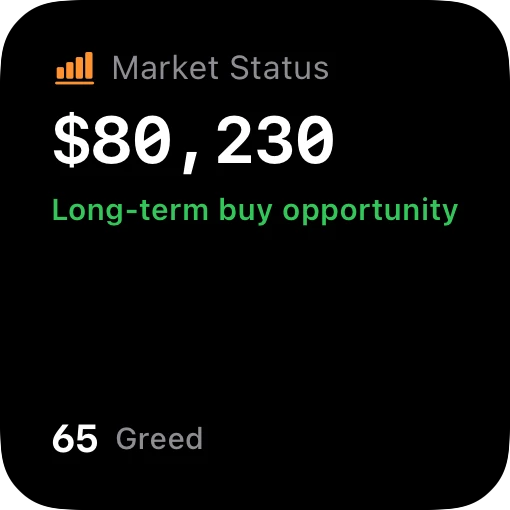 Market Status
iPhone and iPad widgets
Each widget is in small and medium sizes. These images come from the widget code with live data.
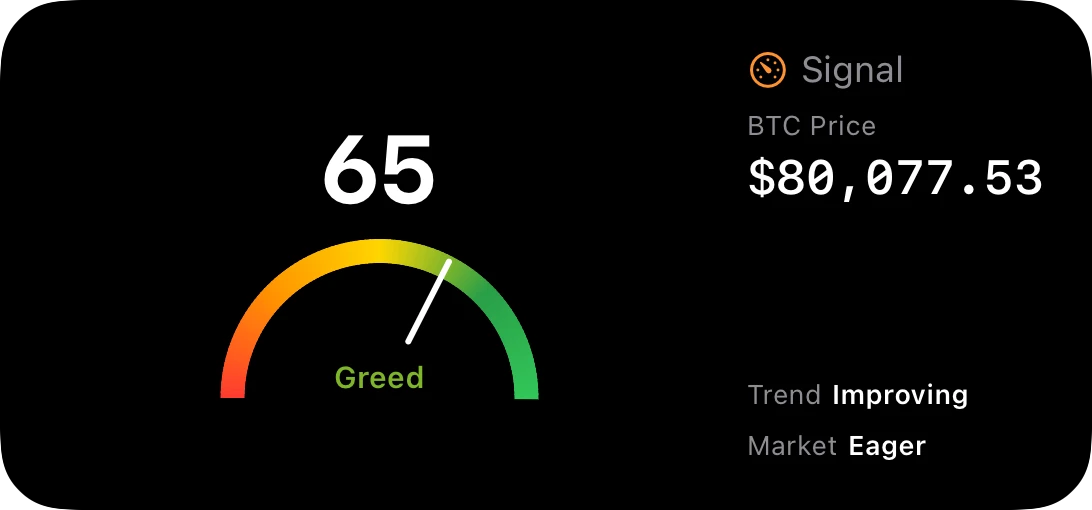 Signal
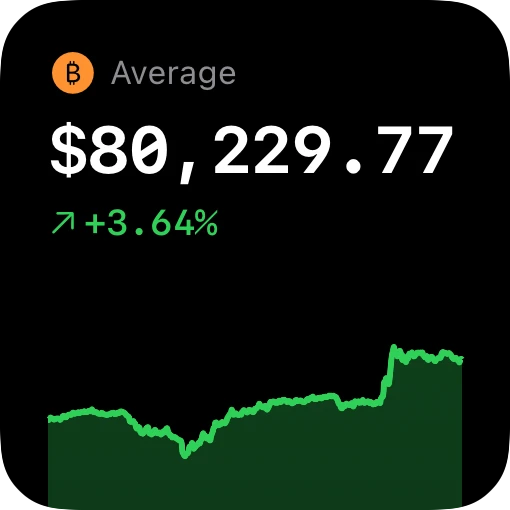 Fast Bitcoin
| Widget | What it shows | Home Screen | Lock Screen |
|---|---|---|---|
| Fast Bitcoin | The live price, the change, and a chart | Small, medium | Circle, rectangle, inline |
| Signal | The Market Signal gauge and zone | Small, medium | Circle, rectangle, inline |
| Market Status | The average past return for the current market condition | Small | No |
- Make it yours. Touch and hold the Fast Bitcoin widget and tap Edit Widget. Select the exchange, the chart timeframe, and the layout.
- StandBy. The small widgets also show in StandBy when your iPhone charges on its side.
- Short or long view. Set the Market Status widget to a short horizon of 1 to 7 days, a long horizon of 30 to 90 days, or both.
Apple Watch complications
Add the price or the Signal to any watch face that has a complication slot.
Fast Bitcoin
The live price on the watch face. Rectangle, circle, corner, and inline sizes.
Signal
The Market Signal score and gauge. Rectangle, circle, corner, and inline sizes.
watchOS controls how often a complication updates. For a move that you must know about at once, use a price alert. Alerts arrive on your Apple Watch.
Bitcoin price widget questions
How do I add the Bitcoin price widget to my iPhone?
Touch and hold an empty area of the Home Screen. Tap Edit, then Add Widget. Search for Bitcoin Price. Select a widget and a size, then tap Add Widget.
How do I add Bitcoin to my Lock Screen?
Touch and hold the Lock Screen and tap Customize. Tap the widget area below the time. Select Bitcoin Price, then the price or the Signal.
How often do the widgets update?
iOS controls the update schedule of widgets. The widgets ask for a new price often, and iOS decides when to show it. Open the app for the price to the second.
Which iOS version do I need?
iOS 18 or later on iPhone and iPad. watchOS 11 or later on Apple Watch.